
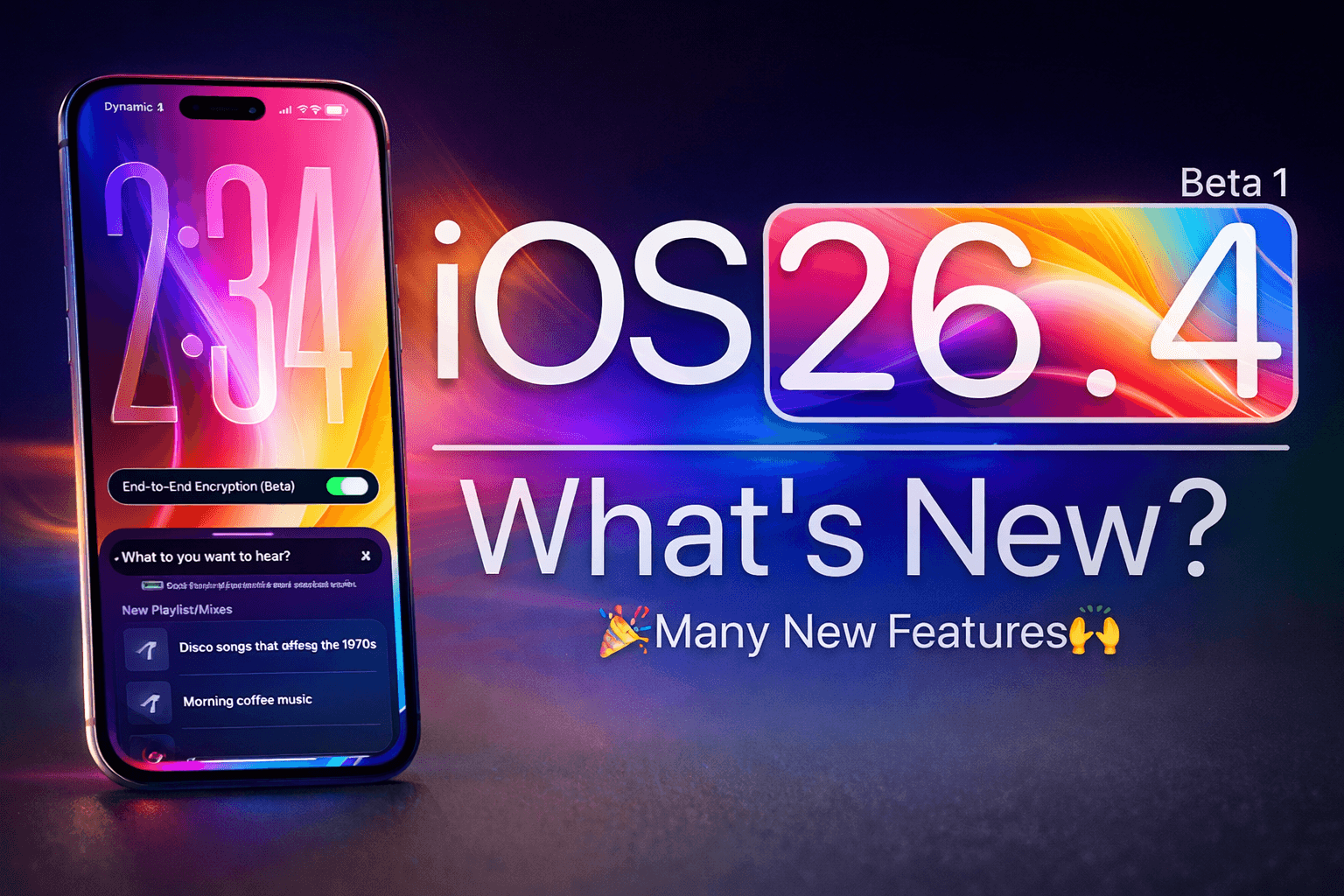
Getting your hands on the latest iPhone software before the rest of the world is always a thrill. If you’re looking to jump into the iOS 26.4 Beta, you’ve likely heard about the new “Liquid Glass” UI refinements or the enhanced AI playlist generation in Apple Music.
As of February 2026, Apple has officially moved into the mid-cycle testing of iOS 26. While the stable version of iOS 26.4 is expected to drop in March, the beta is already live for those who want a sneak peek.
In this guide, I’ll walk you through exactly how to get iOS 26.4 Beta on your iPhone, the difference between Developer and Public versions, and how to stay safe during the process.
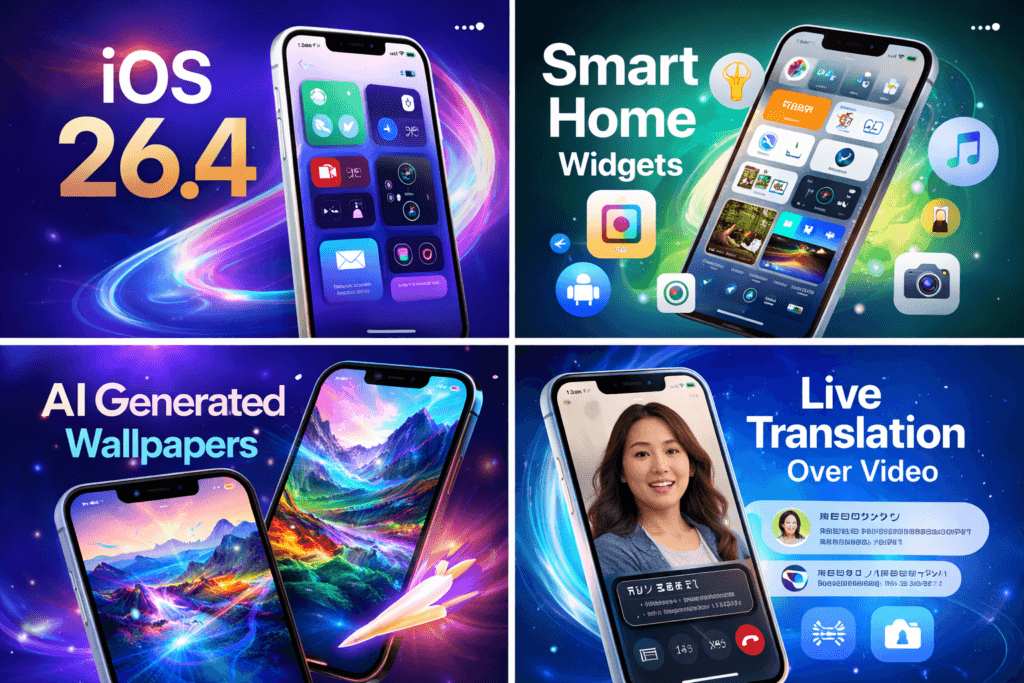
What’s New in iOS 26.4?
Before we dive into the “how,” it’s worth looking at the “why.” iOS 26.4 isn’t just a maintenance patch; it’s a significant bridge toward the next generation of Apple Intelligence.
- End-to-End Encrypted RCS: Finally, the “green bubble” experience gets a massive security boost with cross-platform encryption.
- AI-Generated Playlists: In Apple Music, you can now describe a mood (e.g., “90s grunge for a rainy drive”) and let the OS build the perfect tracklist.
- Stolen Device Protection Updates: The “security delay” feature is now smarter, recognizing familiar locations more accurately while keeping the lock-out active in high-risk areas by default.
- Video Podcasts: The Podcasts app has been overhauled to support native video streaming with better PiP (Picture-in-Picture) controls.
Step 1: The Golden Rule — Back Up Your Data
I cannot stress this enough: Beta software is experimental. It can (and likely will) have bugs that drain your battery, crash your favorite apps, or in rare cases, require a full device wipe.
Before you touch a single setting, create a fresh backup.
- Connect to Wi-Fi.
- Go to Settings > [Your Name] > iCloud > iCloud Backup.
- Tap Back Up Now.
Pro Tip: If you have a Mac or PC, I highly recommend doing a “Local Encrypted Backup.” This saves all your health data and passwords, making it much easier to downgrade back to iOS 26.3 if the beta is too buggy for you.
Step 2: Choose Your Path (Developer vs. Public)
Apple offers two types of betas. Here is the breakdown:
1. Developer Beta (Available Now)
Historically, this was only for people paying $99/year. However, Apple now allows anyone with a free Apple Developer account to access it. It’s released first, meaning it’s the “rawest” and most bug-prone version.
2. Public Beta (Coming Soon)
Usually released a few days to a week after the Developer Beta. It’s generally “Beta 2” or “Beta 3” of the developer cycle, meaning the most glaring, phone-breaking bugs have already been squashed.
Step 3: How to Install the Developer Beta
If you want the software right this second, here is the fastest way:
- Open Settings: On your iPhone, navigate to Settings > General > Software Update.
- Select Beta Updates: You will see a new row titled Beta Updates. Tap it.
- Pick iOS 26 Developer Beta: Select this option and go back to the main update screen.
- Download and Install: The iOS 26.4 Beta should appear. Tap “Download and Install.”
Step 4: How to Install the Public Beta
If you prefer a slightly more stable experience:
- Enroll: Click on “Enroll your iOS device.”
- Activate in Settings: Just like the developer method, go to Settings > General > Software Update > Beta Updates.
- Choose Public Beta: Select iOS 26 Public Beta.
- Update: Wait for the prompt and start the installation.
SEO Checklist: Staying Safe on Beta
If you are running this on your primary “daily driver” phone, keep these SEO-friendly performance tips in mind:
- Monitor Battery Health: Betas are notorious for “re-indexing” files, which kills battery for the first 48 hours. Give it time to settle.
- Report Bugs: Use the Feedback Assistant app (which automatically appears on your home screen) to tell Apple what’s broken. This is how the software gets better!
- Check App Compatibility: If you rely on specific banking or work apps, be aware that they sometimes detect beta software as a security risk and may not open.
Summary Table: iOS 26.4 Compatibility
| Feature | Supported Devices |
| Core OS | iPhone 11 and newer |
| Apple Intelligence | iPhone 15 Pro, iPhone 16 series, and iPhone 17 series |
| Liquid Glass Design | All iOS 26 compatible devices |
| Adaptive Power Mode | iPhone 15 Pro and newer |
What if You Want to Go Back?
If iOS 26.4 Beta turns your iPhone into a brick—or just a very expensive hand warmer—you can downgrade. You will need a computer (Mac or PC) to put your phone into Recovery Mode and restore that backup you made in Step 1. Remember, you cannot restore a backup made on iOS 26.4 to a phone running iOS 26.3. Always back up before you jump.
Would you like me to walk you through the specific steps for downgrading to a stable version of iOS if the beta doesn’t work out?
This video provides a clear, visual walkthrough of the registration process for a free developer account and the steps to toggle beta updates in your iPhone settings.
faq
1 .How to relieve tooth pain for kids?
To relieve tooth pain in kids, start by gently rinsing the mouth with warm salt water to reduce bacteria and inflammation. If there is food stuck between teeth, carefully floss the area. A cold compress applied to the outside of the cheek for 10–15 minutes can help reduce swelling and numb pain. For temporary relief, children’s doses of ibuprofen or acetaminophen may be given according to the label instructions or a doctor’s advice. Avoid placing aspirin directly on the tooth or gums. Tooth pain in children is often caused by cavities, loose teeth, gum infection, or erupting teeth, so it’s important to schedule a dental visit as soon as possible for proper treatment.
2 .Which iPhones can get iOS 26 beta?
As of now, Apple has not officially announced or released iOS 26. Apple typically announces new iOS versions at its annual developer event (WWDC) and then publishes a list of compatible iPhone models. In general, newer iPhone models receive beta updates, while older devices are gradually dropped from support. To know which iPhones are eligible for any upcoming iOS beta, always check Apple’s official website after the software is announced.
3 .Is iOS 26 out in India?
Currently, iOS 26 has not been officially released in India or any other country. When Apple releases a new iOS version, it usually becomes available globally at the same time. If iOS 26 is announced in the future, Indian users will typically receive access alongside other regions, depending on device compatibility.
4 .Is iOS 26 public beta stable?
Since iOS 26 has not been released yet, there is no official public beta available. However, in general, public beta versions of iOS are more stable than developer betas but may still contain bugs, battery drain issues, or app compatibility problems. Beta software is mainly intended for testing purposes, and users should install it only on secondary devices if stability is important.
5 .Can I get iOS 26 now?
No, iOS 26 is not currently available for download. If Apple announces it in the future, users will be able to download it through the Settings app under Software Update, provided their device supports it. Always avoid downloading iOS updates from unofficial sources, as they may pose security risks.
6 .How to get iOS 26 on iPhone 7?
It is important to note that the iPhone 7 no longer receives major iOS updates. Even if iOS 26 is released in the future, it is highly unlikely that iPhone 7 will be supported, as Apple typically provides major software updates for about five to six years after a device’s launch. To access newer iOS versions, users usually need a more recent iPhone model that meets the system requirements.
7 .Can I upgrade from iOS 18 to 26?
You cannot directly upgrade to iOS 26 because it has not been officially released. When Apple releases new iOS versions, users can typically update directly from their current supported version to the latest available one, without installing intermediate versions. However, the upgrade depends on device compatibility. If your iPhone supports the latest iOS version, you can update through Settings > General > Software Update.