
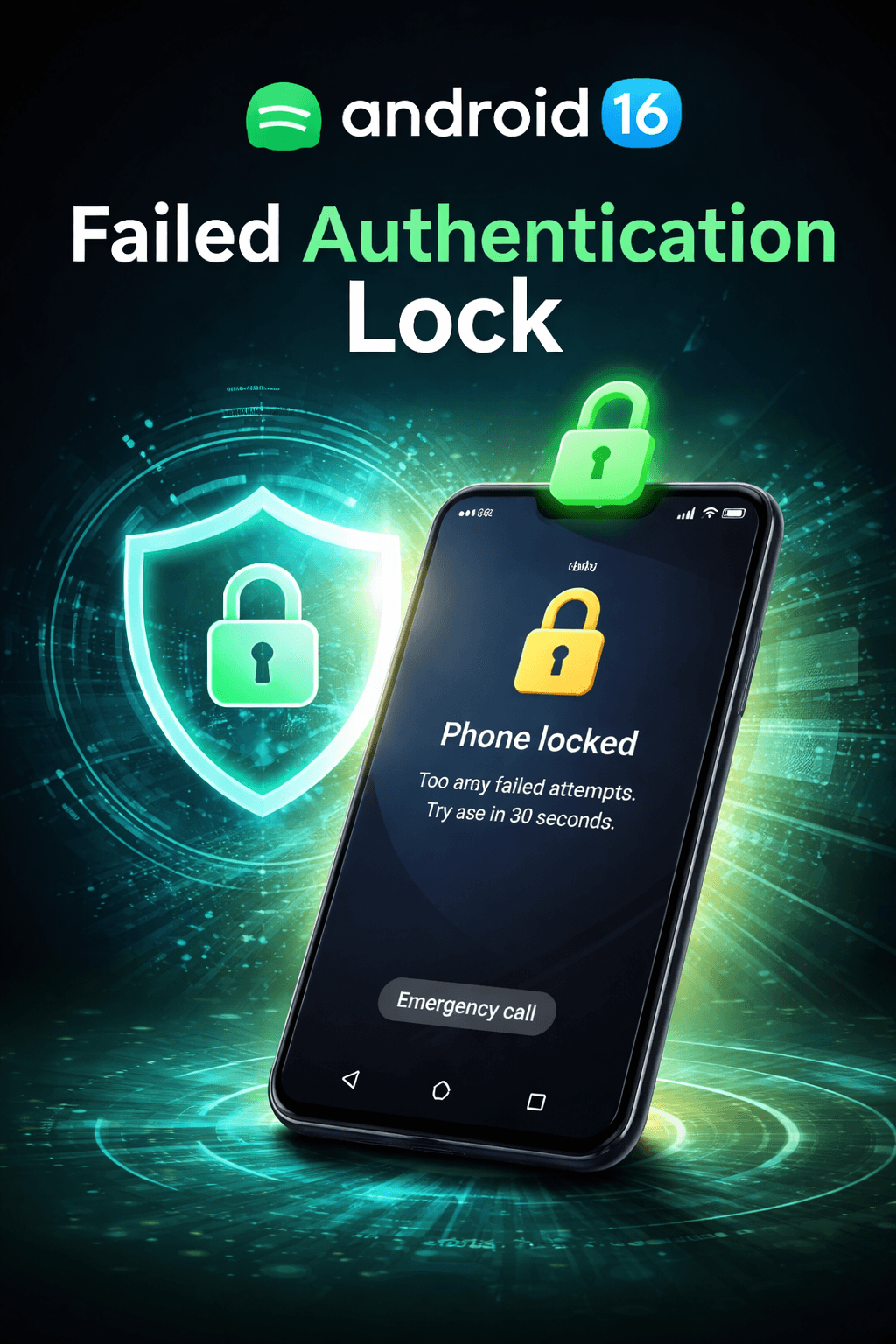
Android 16 Adds a Failed Authentication Lock Feature for Better Security
Android has come a long way when it comes to privacy and device protection, and with Android 16, Google is taking smartphone security one step further. One of the most important additions in Android 16 is the new Failed Authentication Lock feature. This enhancement is designed to protect user data by automatically responding to repeated failed unlock attempts, making it much harder for unauthorized users to gain access to a device.
In a world where smartphones store sensitive personal information such as banking apps, private photos, emails, passwords, and even work-related data, stronger security is no longer optional. Android 16’s failed authentication lock focuses on preventing brute-force attacks, unauthorized access, and misuse when a phone falls into the wrong hands.
What Is the Failed Authentication Lock Feature?
The Failed Authentication Lock feature in Android 16 is a security mechanism that activates when someone repeatedly fails to unlock a device using a PIN, password, pattern, fingerprint, or face authentication. Once a predefined number of failed attempts is reached, the system automatically enforces stricter protection measures.
Instead of simply delaying further attempts, Android 16 escalates the response. This may include temporarily locking the device, disabling biometric authentication, enforcing a full device lock, or requiring stronger verification before access is restored.
The goal is simple: if someone is trying to guess your lock screen credentials, Android 16 will recognize suspicious behavior and stop them before they succeed.
Why Android 16 Needed This Feature
Earlier versions of Android already limited the number of unlock attempts, but attackers could still try different combinations over time. Stolen phones, lost devices, and unattended phones were vulnerable to repeated guessing attempts, especially when simple PINs or patterns were used.
Android 16 addresses these risks by introducing a smarter response system. Instead of treating each failed attempt the same way, the operating system now understands patterns of suspicious behavior and reacts accordingly.
This improvement is especially important as mobile devices increasingly replace laptops for banking, business communication, digital identity verification, and cloud access.
How Failed Authentication Lock Works in Android 16
When an incorrect unlock attempt is detected, Android 16 logs the failure. If failures continue beyond a safe threshold, the system automatically activates the Failed Authentication Lock. At this point, the device may:
- Temporarily block all unlock attempts
- Disable biometric unlock methods
- Force PIN or password re-entry
- Trigger additional security checks
- Increase the cooldown time between attempts
In some cases, Android 16 may require the device owner to authenticate using the primary Google account linked to the phone, adding an extra layer of protection.
Protection Against Brute-Force Attacks
Brute-force attacks involve repeatedly guessing passwords or PINs until the correct one is found. While this method is slow, it becomes dangerous if no strict limits exist.
The Failed Authentication Lock feature dramatically reduces the effectiveness of brute-force attacks. After multiple failures, the device becomes inaccessible for extended periods, making continued guessing practically useless.
This ensures that even if someone has physical access to your phone, your data remains protected.
Impact on Biometric Security
Biometric authentication such as fingerprint and face unlock is convenient, but it also needs safeguards. Android 16 intelligently disables biometric access after repeated failures, ensuring that attackers cannot exploit sensor errors or partial matches.
Once the Failed Authentication Lock is triggered, the device may require the original PIN or password, preventing unauthorized biometric retries.
User Experience and Daily Usage
Despite the added security, Android 16 ensures that legitimate users are not unnecessarily inconvenienced. Normal daily usage remains unaffected as long as authentication attempts are successful.
The feature only activates during suspicious behavior, such as multiple consecutive failures. For regular users, the experience feels seamless and natural.
Android 16 also provides clear on-screen messages explaining why the device is temporarily locked, reducing confusion and frustration.
Customization and Settings Control
Android 16 allows users to manage certain aspects of this feature through device security settings. Users can review security logs, understand why a lock was triggered, and ensure their account recovery options are up to date.
While the core protection cannot be disabled for safety reasons, users can strengthen it by choosing stronger passwords, enabling device encryption, and keeping account recovery details current.
Benefits for Stolen or Lost Devices
If a phone is stolen or lost, the Failed Authentication Lock becomes a critical defense tool. Thieves often try common PINs or patterns, hoping for quick access.
Android 16 stops these attempts early and locks the device down, protecting personal data until the rightful owner recovers or remotely resets the phone.
Combined with features like Find My Device and remote wipe, this security layer significantly reduces the risk of data theft.
Enterprise and Work Profile Security
For business users, Android 16’s failed authentication lock is especially valuable. Work profiles often contain confidential company data, emails, and internal applications.
The new feature helps organizations ensure compliance with security policies by preventing unauthorized access to work information, even if the device is compromised.
Comparison with Previous Android Versions
Earlier Android versions relied mainly on time delays after failed attempts. Android 16 introduces a more intelligent and proactive system.
Instead of just slowing attackers down, it actively blocks further access and strengthens authentication requirements, representing a major leap forward in mobile security.
Privacy and Data Protection
All authentication monitoring is handled locally on the device. Android 16 does not transmit failed attempt data to external servers, ensuring user privacy is maintained.
This approach balances strong security with respect for personal data, a principle that has become increasingly important for modern users.
Why This Feature Matters in 2026
As digital threats evolve, smartphones are becoming primary targets for cybercriminals. Android 16’s Failed Authentication Lock reflects a growing focus on proactive defense rather than reactive recovery.
By identifying risky behavior early and locking down access, Android 16 helps users stay one step ahead of attackers.
Final Thoughts
Android 16’s Failed Authentication Lock feature is a meaningful and practical improvement that strengthens device security without compromising usability. It protects against brute-force attacks, unauthorized access, and misuse while keeping the experience smooth for legitimate users.
For anyone who values privacy, data protection, and peace of mind, this feature alone makes Android 16 a significant upgrade. It represents Google’s continued commitment to making Android safer in an increasingly digital world.
Apple iOS 26.3 Release Date: Next Critical iPhone Update Is Almost Here