
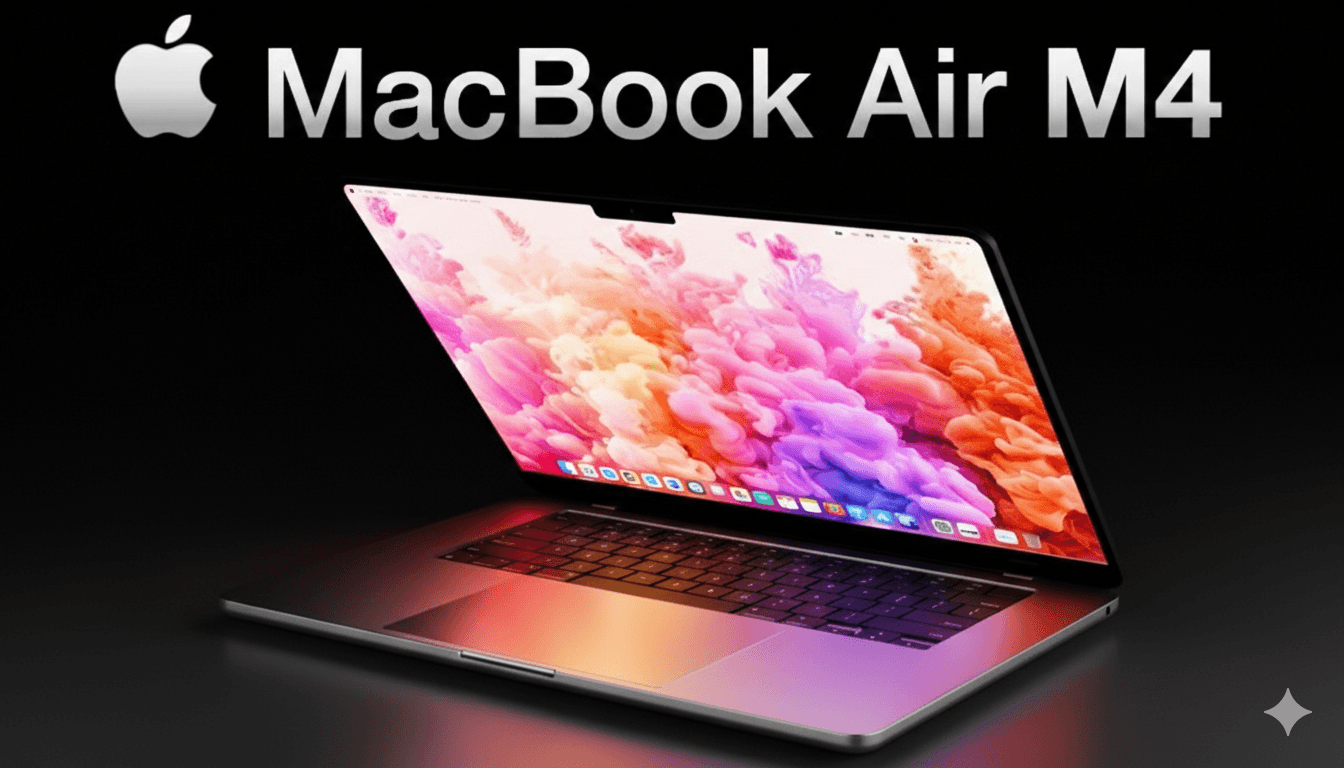
Choosing a laptop for university is easily one of the biggest investments you’ll make during your student years. With the recent release of the MacBook Air M4, the conversation has shifted. In previous years, the M2 or M3 were the “safe” recommendations, but with the M4 bringing significant jumps in processing and AI capabilities, it has become the new gold standard for students.
If you’re wondering if this is the right machine to carry from your first 8:00 AM lecture through to your late-night library sessions, this guide breaks down everything you need to know.
1. The Power of the M4 Chip: More Than Just a Number
For a long time, “Air” meant “lightweight but limited.” That changed with Apple Silicon, and the M4 takes it a step further. Unlike the incremental jump we saw from M2 to M3, the M4 architecture is designed for a new era of computing—specifically Apple Intelligence.
Performance Benchmarks
The M4 features a 10-core CPU and up to a 10-core GPU. In real-world terms, this means:
- Multitasking: You can have 50+ Chrome tabs open, a Zoom call running, and a massive PDF textbook open without the system stuttering.
- Speed: It’s roughly 20–25% faster in multi-core performance compared to the M3. If you’re a STEM student running simulations or a creative student editing 4K video, this difference is noticeable.
- Neural Engine: The 16-core Neural Engine is built to handle local AI tasks. Whether it’s real-time transcription of a lecture or using AI-assisted research tools, the M4 handles it on-device, keeping your data private and the performance snappy.
2. Why Students Should Care About the Display and Build
As a student, your laptop is your constant companion. The MacBook Air M4 maintains the iconic wedge-less, flat design that is incredibly thin (just 1.13 cm) and lightweight (2.7 lbs for the 13-inch).
13-inch vs. 15-inch
- The 13.6-inch Model: Perfect for those small, cramped lecture hall desks. It fits in almost any backpack and is light enough that you won’t feel it on your commute.
- The 15.3-inch Model: Best for students who don’t want to use an external monitor. The extra screen real estate is a lifesaver when you need to have two documents open side-by-side for a research paper.
The Liquid Retina display remains one of the best in its class. With 500 nits of brightness, you can actually work outside on a sunny quad or in a brightly lit cafe without squinting at your screen.
3. Battery Life: The “No-Charger” Lifestyle
The biggest stress for any student is finding a seat near a power outlet in the library. With the MacBook Air M4, that stress effectively disappears.
Apple claims up to 18 hours of video playback, but in real-world “student use” (web browsing, typing, streaming), you can comfortably expect 14 to 15 hours. You can leave your charger in your dorm in the morning and not worry about it until you get back at night.
Pro Tip: If you do run low, the M4 Air supports 70W fast charging. A 30-minute charge can get you back up to 50%, which is enough to finish your afternoon classes.
4. Connectivity and the “Two Monitor” Win
One of the biggest complaints about the older MacBook Air models was the inability to run multiple external monitors natively. The M4 fixes this.
- Dual Display Support: You can now connect two external displays while the laptop lid is open. This is a massive win for CS students or data science majors who need multiple screens for coding and documentation.
- MagSafe 3: Having a dedicated charging port means you don’t waste one of your two Thunderbolt ports just to stay powered up.
- 12MP Center Stage Camera: If you have online classes or remote internships, the new camera is a huge upgrade. It follows you if you move around the frame and offers “Desk View,” which can show your desk surface and your face simultaneously—perfect for showing handwritten math problems or sketches.
5. Is 16GB RAM the New Minimum?
For the first time, Apple has moved away from the 8GB base model for the newest Air. The M4 MacBook Air starts with 16GB of Unified Memory.
This is the best thing to happen to students in years. 8GB was becoming a bottleneck for modern macOS and AI features. Starting at 16GB ensures that your laptop won’t just be good for your freshman year—it will be just as fast when you’re writing your senior thesis.
6. Pros and Cons for Students
| Feature | Pros | Cons |
| Portability | Incredibly light; fits in any bag. | Fanless design means it can throttle under heavy, long-term loads (like 1-hour 3D renders). |
| Performance | M4 chip is a beast for everyday and pro-lite tasks. | No ProMotion (120Hz) display; stuck at 60Hz. |
| Battery | True all-day battery life. | Base storage is still 256GB, which fills up fast with videos and apps. |
| Features | Excellent keyboard, industry-leading trackpad. | Only two USB-C ports (both on the left side). |
7. The Price Point: Using the Student Discount
The MacBook Air M4 starts at $999 (approx. ₹99,900). However, as a student, you should never pay full price.
- Apple Education Store: You can usually get $100 off the retail price.
- Back to School Season: Typically between July and September, Apple often bundles a gift card (usually $150) or AirPods with your purchase.
- Refurbished: If the M4 is slightly out of reach, check Apple’s “Certified Refurbished” section. These are basically new machines with a full warranty.
Final Verdict: Should You Buy It?
The MacBook Air M4 is the best all-around laptop for 95% of students.
- Buy it if: You want a laptop that will last 4–6 years, you value battery life above all else, and you do a mix of writing, research, and light creative work.
- Skip it if: You are a heavy 3D animator, a pro-level video editor, or a hardcore gamer. In those cases, the fan-cooled MacBook Pro M4 is a better (though much heavier and more expensive) choice.
The jump to 16GB of RAM as the standard makes the M4 a “no-brainer” for longevity. It is a powerful, silent, and beautiful machine that removes the technical friction from your academic life.