
OxygenOS 16: Which OnePlus Devices Are Getting the Big Upgrade?
The smartphone world moves fast, but for OnePlus fans, the arrival of a new OxygenOS version is the equivalent of a national holiday. We aren’t just talking about a few bug fixes and a new wallpaper; OxygenOS 16 represents one of the most significant shifts in the brand’s software history. Built on the foundation of Android 16, this update isn’t just “smarter”—it’s more personal, more fluid, and significantly more integrated into the modern AI-driven lifestyle.
If you’ve been staring at your OnePlus device wondering if it’s going to make the cut, you’re in the right place. From the latest “Ultra” flagships to the reliable Nord mid-rangers, we’ve broken down the eligibility lists, the rollout timelines, and the standout features that make this update worth the wait.
The Eligibility List: Is Your Device on the Map?
OnePlus has become much more transparent with its update policies over the last few years. While the older “flagship killer” days had a bit of a chaotic update schedule, the current era follows a more structured 4+6 (4 major OS updates + 6 years of security) or 3+4 pattern depending on your device tier.
Based on official rollout schedules and the brand’s commitment to longevity, here is the comprehensive breakdown of which devices are receiving OxygenOS 16.
The Flagship Heavy-Hitters
The flagship series always sits at the front of the line. These devices are the first to enter Beta programs and the first to receive the stable “Gold” version of the software.
- OnePlus 15 & 15R: These devices launch with OxygenOS 16 (or receive it within weeks), representing the absolute pinnacle of the new software’s capabilities.
- OnePlus 13, 13R, & 13s: The 13-series was built for this. With its high-performance hardware, these devices handle the new “Flow Motion” animations and heavy AI tasks without breaking a sweat.
- OnePlus 12 & 12R: Even two generations back, these devices remain powerhouses. They were among the first to receive the stable update in late 2025.
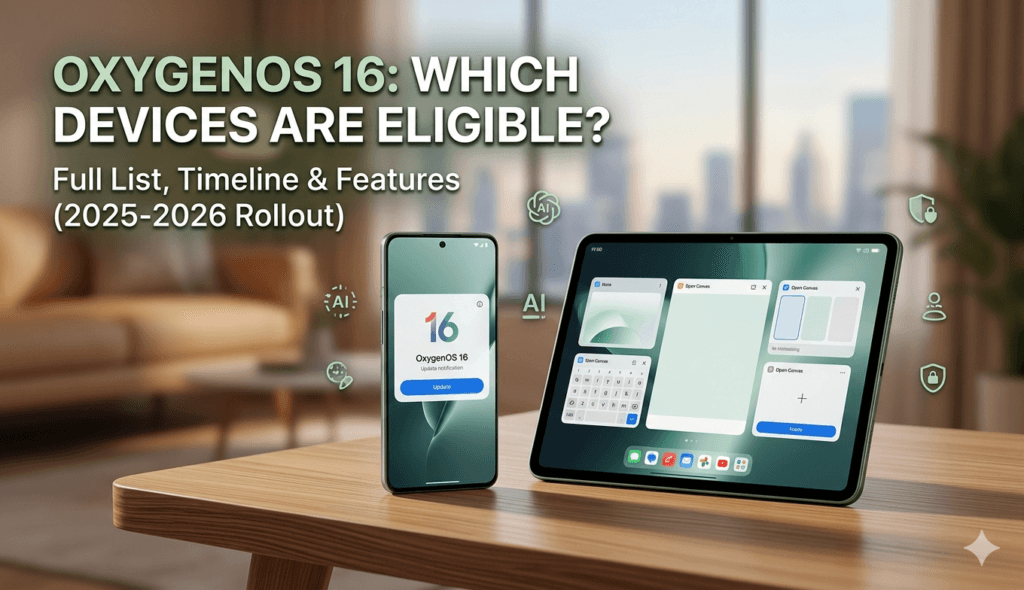
- OnePlus Open: OnePlus’s premier foldable is a priority. OxygenOS 16 brings specific “Open Canvas” improvements to this device, making it a multitasking monster.
- OnePlus 11 & 11R: The 11-series is still very much in its prime. It received the update in the second wave (December 2025).
- OnePlus 10 Pro: This is the “final stand” for the 10 Pro. As it enters its final major OS update cycle, OxygenOS 16 is the crowning achievement for this legendary device.
The Nord & Nord CE Series
The Nord lineup is the backbone of the OnePlus community. While the update policy is slightly shorter than the flagships, the recent models are still getting plenty of love.
- OnePlus Nord 5 & Nord CE5: These are the superstars of the mid-range. They are eligible for four major updates, meaning they will be running OxygenOS 16 smoothly through 2026.
- OnePlus Nord 4: A fan favorite for its metal build and reliable performance. It sits firmly on the “Yes” list.
- OnePlus Nord 3 5G: This device is nearing the end of its major update journey, but it is confirmed for OxygenOS 16.
- OnePlus Nord CE4 & CE4 Lite: These devices will receive the update, though their rollout typically follows the main Nord series by a few months.
Tablets (The Pad Family)
OnePlus has taken its tablet ecosystem seriously, ensuring the “hand-off” features between phone and tablet are seamless in the new OS.
- OnePlus Pad 3: The newest flagship tablet, fully optimized for the five-app multitasking limit.
- OnePlus Pad 2: Still a beast in terms of performance, receiving the update in late 2025.
- OnePlus Pad & Pad Lite: The original Pad that started it all will get its taste of OxygenOS 16 in early 2026.
The Rollout Timeline: When Will You Get the Notification?
OnePlus doesn’t flip a single switch for every device at once. To ensure stability, they release the update in “batches” or “waves.” If your friend with a OnePlus 13 has it and you don’t, it’s likely just a matter of a few weeks.
Phase 1: The Early Birds (November 2025)
This phase is reserved for the absolute latest hardware. If you bought a phone in the last 12 months, you’re likely in this group.
- Devices: OnePlus 13, 13R, 13s, OnePlus 12, 12R, OnePlus Open, and OnePlus Pad 3.
Phase 2: The Core Community (December 2025)
As the year ends, OnePlus pushes the update to its most popular older flagships and the current-gen Nord devices.
- Devices: OnePlus 11, 11R, Nord 5, Nord CE5, and Nord 4.
Phase 3: The Legacy & Lite Wave (Q1 2026)
This wave includes older flagships that are on their final updates and the “Lite” or “CE” models that require a bit more optimization for their specific chipsets.
- Devices: OnePlus 10 Pro, Nord CE4, Nord CE4 Lite, and the original OnePlus Pad.
Why OxygenOS 16 Matters: Top 5 Features
You might be asking, “Is it worth the 2GB download?” The short answer is yes. OxygenOS 16 isn’t just a reskin; it’s a re-engineering of how the phone interacts with you.
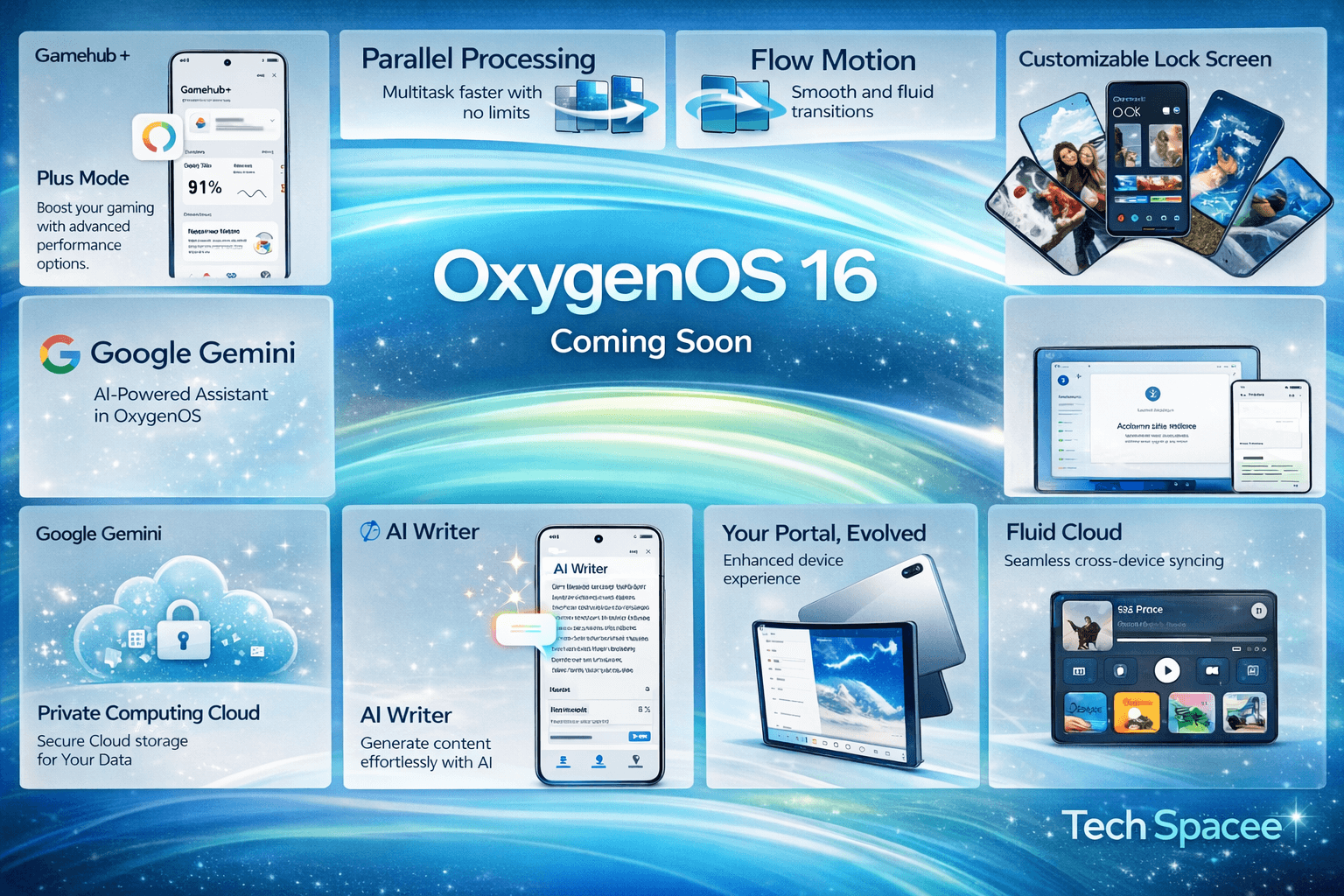
1. The “Liquid Glass” Design & Flow Motion 2.0
OnePlus has moved away from the flat, sterile look of previous years. OxygenOS 16 introduces Gaussian blur effects across the entire UI. When you pull down your notification shade or open the app drawer, the background doesn’t just go dark; it blurs elegantly like frosted glass.
The Flow Motion 2.0 engine also ensures that animations are “interruptible.” This means if you start opening an app and realize you tapped the wrong one, you can swipe it away mid-animation without the phone stuttering. It feels “organic.”
2. Mind Space & Gemini Integration
AI is no longer a gimmick tucked away in a menu. Mind Space is a dedicated AI hub that works with Google Gemini. Imagine being able to ask your phone, “Find that recipe I saved in a screenshot three months ago and draft a grocery list,” and having it happen in seconds. It’s about productivity, not just chat.
3. Apple-Ready Connectivity (O+ Connect)
In a surprising and welcome move, OnePlus has made it easier to live in a multi-brand household. With the O+ Connect app, your OnePlus device can now share files, sync notifications, and even share a clipboard with MacBooks and iPhones. If you use a OnePlus phone but a Mac for work, this is a game-changer.
4. Advanced Lock Screen Personalization
The lock screen has been “unlocked.” Inspired by the best of modern mobile design, you can now add depth effects to your wallpapers (where the clock sits behind the subject’s head), use video loops, and add “mini-widgets” for things like weather, Spotify, or your fitness rings.
5. Private Computing Cloud
Security is often boring until you need it. OxygenOS 16 introduces a Private Computing Cloud, which processes your most sensitive AI tasks (like face recognition or personal data analysis) locally on the device or in a secure, encrypted cloud environment that OnePlus cannot access.
Devices That Won’t Be Moving Forward
It’s always a bit sad to see devices reach their “End of Life” (EOL) for major updates. While these phones will likely continue to receive security patches for another year or two, they will officially stop at OxygenOS 15.
The following devices are NOT expected to receive OxygenOS 16:
- OnePlus 10T & 10R: These were released just before the new 4-year policy became standard for all flagships.
- OnePlus Nord 2 & 2T: These legendary mid-rangers have officially reached the end of their OS update cycle.
- OnePlus Nord CE 2 & CE 3: The CE line has a shorter support window, and these models have served their time.
- The N-Series (N10, N20, N30): These budget-focused devices typically receive only one major OS update, which they have already used.
Pro-Tips for a Smooth Update
If your device is on the list, you’ll want to be ready when that notification pops up. Major OS updates are like moving into a new house—it’s better if you pack first.
- Backup Your Data: While OTA (Over-The-Air) updates are generally safe, glitches happen. Back up your photos to Google Photos and your WhatsApp to the cloud.
- Clear Some Space: OxygenOS 16 is a heavy update. You’ll likely need at least 10GB to 15GB of free space for the download and the installation process.
- Check Your Battery: Never start a major update with less than 50% battery. If the phone dies mid-installation, you could end up with a very expensive paperweight (a “bricked” phone).
- Expect a “Settling” Period: For the first 24 to 48 hours after the update, your battery might drain faster than usual. This is normal! The phone is re-indexing files and optimizing apps in the background. It will stabilize within a few days.
Final Thoughts
OxygenOS 16 is a testament to how far OnePlus has come. It balances the “Fast and Smooth” mantra that the community loves with the modern necessity of AI and cross-platform connectivity. Whether you’re holding the latest OnePlus 13 or the trusty Nord 3, this update is designed to make your tech feel new again.
Stay patient if your update hasn’t arrived yet—the “staged rollout” is there to ensure that if a bug is found, it doesn’t affect everyone at once. Your turn is coming!