
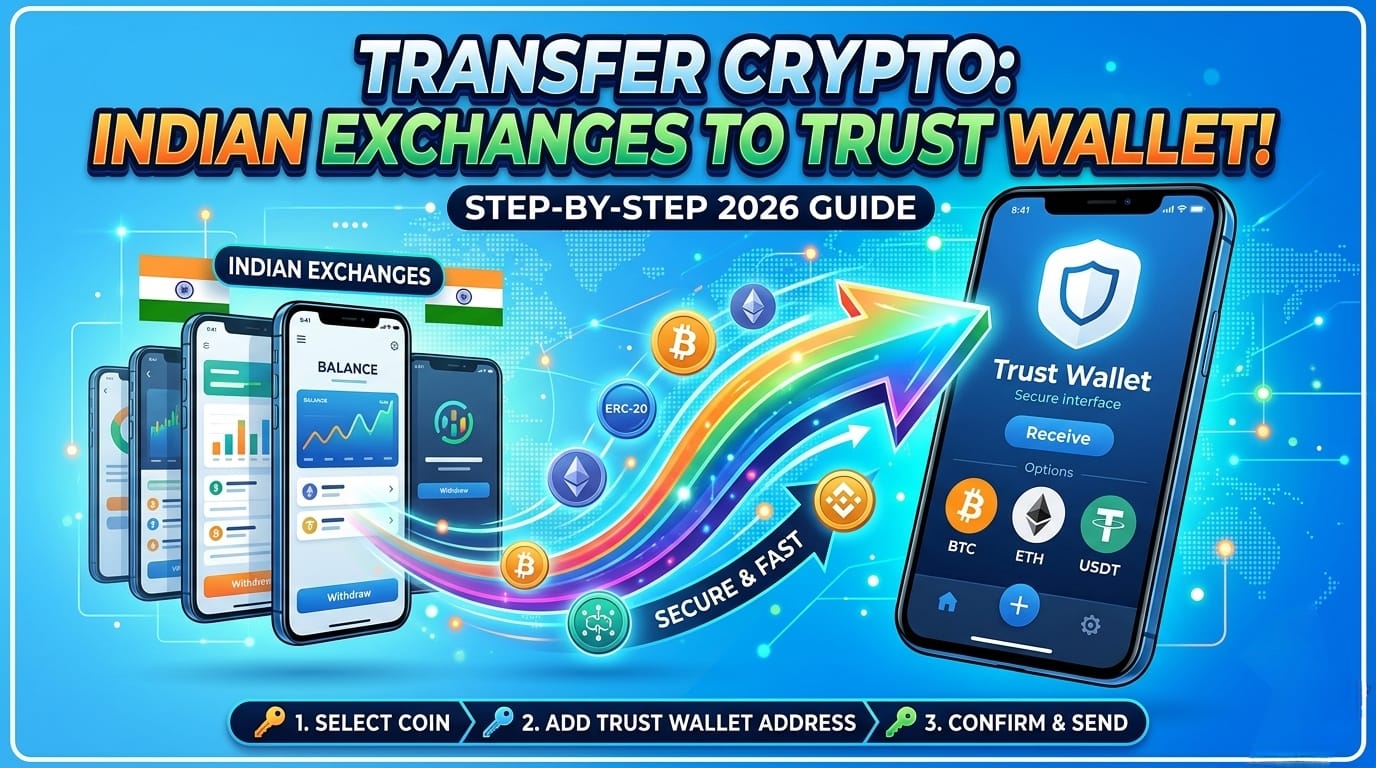
How to Transfer Crypto from Indian Exchanges to Trust Wallet
If you’ve been holding cryptocurrencies on Indian exchanges like WazirX, CoinDCX, ZebPay, or BitBNS, you might be looking for greater control over your assets. The most secure way is to move funds into a non-custodial wallet such as Trust Wallet. In this detailed guide, we’ll walk you through how to transfer crypto from Indian exchanges to Trust Wallet — covering network selection, fees, step-by-step withdrawal instructions, and safety tips. By the end, you’ll feel confident moving Bitcoin, Ethereum, USDT, and other altcoins from any India-based trading platform to your personal wallet.
With the evolving regulatory landscape in India and increasing awareness about self-custody, mastering how to transfer crypto from Indian exchanges to Trust Wallet has become essential for every serious investor. This guide provides accurate, up-to-date information for 2026, including network gas estimates and exchange-specific withdrawal procedures. Let’s begin with the prerequisites you need before initiating your first transfer.
Before You Start: Essential Prerequisites for a Smooth Transfer
To ensure your crypto reaches Trust Wallet without errors, complete these preparatory steps. Skipping any may result in lost funds or unnecessary delays.
- Fully verified exchange account: All Indian exchanges require KYC (PAN card, Aadhaar, and often a selfie). Complete the verification to enable crypto withdrawals.
- Trust Wallet installed & backed up: Download the official Trust Wallet from iOS App Store or Google Play Store. Write down your 12-word recovery phrase offline — never share it, never store digitally.
- Sufficient native gas tokens: Depending on the network you choose (BEP20, ERC20, TRC20), you’ll need BNB, ETH, or TRX for transaction fees inside Trust Wallet once you want to move funds later. However, for receiving, you only need the correct receiving address.
- Check exchange withdrawal limits: Indian exchanges have daily withdrawal limits. Upgrade to higher limits if necessary (often based on verification level).
⭐ Pro tip: Before moving large sums, always perform a test transaction with a small amount (e.g., $5–$10 worth of crypto). This confirms you’ve selected the right network and address without risking significant funds.
Step 1 – Obtain Your Trust Wallet Receiving Address (Choose the Correct Network)
One of the most critical aspects of how to transfer crypto from Indian exchanges to Trust Wallet is picking the matching network. Trust Wallet supports multiple blockchains, but you must copy the address corresponding to the network you’ll use on the exchange side.
1.1 Open Trust Wallet & Select the Correct Crypto
Launch Trust Wallet → Tap on the cryptocurrency you want to receive (e.g., Bitcoin, Ethereum, Binance Coin, USDT). If you don’t see the token, enable it via “Manage Tokens” or search for it. For USDT, Trust Wallet supports multiple versions: BEP-20 (BNB Smart Chain), ERC-20 (Ethereum), TRC-20 (Tron), and Solana. Always double-check which network your Indian exchange supports for withdrawal.
1.2 Tap “Receive” and Copy the Address
Click “Receive” and share the long alphanumeric address or the QR code. For EVM chains (Ethereum, BNB Chain, Polygon) the address often starts with “0x”. Bitcoin addresses start with “bc1” or “1”. Copy the address exactly.
⚠️ Critical safety rule: Never use a network that is not supported by the exchange. For example, if you withdraw USDT on ERC-20 but paste a BEP-20 address, funds will be lost permanently. Confirm network compatibility both in Trust Wallet and the exchange withdrawal page.
Step 2 – Withdraw Crypto from Your Indian Exchange (WazirX, CoinDCX, ZebPay)
Now that you have your Trust Wallet address ready, we’ll dive into the actual withdrawal process. Most Indian platforms follow a similar flow. I’ll cover the most popular ones so you can apply the logic universally.
2.1 Withdraw from WazirX to Trust Wallet
Log in to WazirX → Go to “Funds” → Click “Withdraw” → Choose your crypto (e.g., USDT). Select the withdrawal network – for low fees, BEP20 (Binance Smart Chain) is often cheapest, but ensure Trust Wallet is set to Smart Chain (BSC). Paste the Trust Wallet address. Enter the amount, verify 2FA, and submit. WazirX usually processes withdrawals within 15–60 minutes depending on network congestion. The current BTC withdrawal fee on WazirX is approx 0.0006 BTC, while USDT (BEP20) fee is ~1 USDT.
2.2 CoinDCX Withdrawal to Trust Wallet
CoinDCX (Pro or App) → Navigate to “Portfolio” → Select crypto → Tap “Withdraw”. Choose “External Wallet”. Enter the Trust Wallet address and select the preferred network (CoinDCX supports BEP20, ERC20, TRC20, and native chains). Double-check the minimum withdrawal amount. For Bitcoin, the network fee is dynamic; for BSC it’s often a flat fee. Confirm via OTP and email link. Withdrawals usually reflect on the blockchain in 5–30 minutes.
2.3 ZebPay & Other Indian Exchanges
ZebPay allows crypto withdrawals after verifying 2FA. Go to “Wallets” → Choose crypto → “Send”. Add your Trust Wallet address, pick the blockchain network (for ETH, use ERC20; for XRP, use XRP ledger). For BitBNS, the interface is similar: ensure you add the whitelisted address if required. Always confirm the memo field is left blank unless you’re depositing to an exchange wallet — for Trust Wallet private wallet, memo is not required for most coins (except e.g., XLM, but check).
Which Blockchain Network Should You Choose? (Fees & Speed Comparison)
Choosing the right network directly impacts cost and transfer time. Below is a comparison for popular cryptos when executing how to transfer crypto from Indian exchanges to Trust Wallet. Always align with the asset version in Trust Wallet.
| Asset / Token | Network (Exchange side) | Typical Fee (Range) | Speed | Trust Wallet compatibility |
|---|---|---|---|---|
| Bitcoin (BTC) | Bitcoin Native | 0.0002–0.0006 BTC | 10–60 mins | BTC address (segwit) |
| Ethereum (ETH) | ERC20 | $2–$12 (gas dependent) | 5–20 mins | Ethereum address |
| USDT / USDC | BEP20 (BSC) | $0.10–$0.50 | 1–5 mins | Binance Smart Chain (BEP20) |
| USDT / USDC | TRC20 (Tron) | ~1–2 USDT | 1–3 mins | Tron (TRC20) |
| BNB (Binance Coin) | BEP20 / BSC | ~0.0005 BNB | 1 min | BNB Smart Chain |
For Indian exchanges, BEP20 (BNB Smart Chain) is widely available for USDT, BNB, and several altcoins. It offers the most affordable fees and fast confirmations. Always keep a small amount of BNB in your Trust Wallet for future transactions if you use BSC often.
Step 3 – Verify the Transaction & Track On-Chain Confirmation
After initiating the withdrawal, the exchange will show a “pending” status. You can track the transaction using a blockchain explorer. For instance, if you used BEP20 network, open BscScan.com, paste the transaction hash (TXID) provided by the exchange. For ERC20 use Etherscan. Wait for confirmations – once the blockchain confirms the block, Trust Wallet will automatically reflect the balance. Refresh your wallet if needed.
Depending on network traffic, this can take a few minutes up to 1 hour. If the withdrawal fails, the exchange will typically refund the amount within 24–48 hours. If your funds don’t appear after 2 hours but the explorer shows success, contact Trust Wallet support and ensure you added the correct token visibility.
Common Mistakes to Avoid When Transferring Crypto from Indian Exchanges to Trust Wallet
Even experienced users occasionally make errors. Avoiding these pitfalls ensures your transfer remains safe and successful.
- Wrong network selection: The #1 cause of lost funds. Always match the network between exchange withdrawal and Trust Wallet receive page.
- Forgetting to add custom token in Trust Wallet: Some tokens (like certain BEP20 altcoins) may not automatically show. Use “Add Custom Token” by pasting the contract address.
- Ignoring exchange maintenance: Indian exchanges occasionally suspend withdrawals for system upgrades. Check their status page before sending large amounts.
- Using a scam address: Clipboard malware can replace copied addresses. Always verify the first 4 and last 4 characters of your Trust Wallet address.
- Withdrawing unsupported assets: Some coins like SHIB on ERC20 may require high gas — always verify that the exchange supports the exact version you intend to receive.
Understanding Fees and Withdrawal Limits on Indian Crypto Exchanges (2026 Update)
As of March 2026, Indian exchanges have standardised fees to remain competitive. Here’s a quick overview based on current data (always verify before withdrawal):
- WazirX: BTC withdrawal fee ~0.0006 BTC, ETH ~0.005 ETH, USDT (BEP20) 1 USDT, TRC20 2 USDT. Daily withdrawal limit for unverified users is low (around 10,000 INR equivalent). Full KYC lifts limits to 20 BTC or equivalent.
- CoinDCX: Flat withdrawal fees vary: BTC 0.0005 BTC, USDT (BEP20) 1 USDT. No additional charges beyond network fees. Withdrawal limits depend on VIP tier; regular users can withdraw up to $10,000 per day.
- ZebPay: Withdrawal fees are network-driven; dynamic ETH gas fees, plus a small platform fee. Minimum withdrawal for BTC is 0.001 BTC.
- BitBNS: Fees are similar, with USDT BEP20 withdrawal costing around 1 USDT. They often process withdrawals in batches.
Always keep in mind that the network fees displayed at checkout are deducted from the withdrawal amount unless the exchange charges separately.
Why Self-Custody Matters: Security & Long-Term Benefits
Moving your assets from Indian exchanges to Trust Wallet gives you full private key ownership. Exchanges can be hacked, face regulatory freezes, or temporary withdrawal halts. By holding crypto in Trust Wallet, you alone control access. Additionally, you can participate in DeFi, staking, and Web3 directly from the wallet. For anyone serious about crypto sovereignty, learning how to transfer crypto from Indian exchanges to Trust Wallet is the first step toward financial independence.
Visit our dedicated section: TechSpace Crypto News & Updates — get weekly insights on crypto taxation, new exchange features, and security alerts.
External Resources to Verify Your Transfer
Use these trusted external references to double-check network status, gas fees, and address validity during your transfer process.
- Trust Wallet Official Website – Always download the app from official sources.
- BscScan Explorer – Track BEP20 (Binance Smart Chain) transactions instantly.
- Etherscan – Monitor Ethereum and ERC20 token transfers.
- CoinDCX Fee Structure – Check latest withdrawal charges.
- WazirX Withdrawal Policy – Updated fees and limits reference.
Bookmark these explorers to troubleshoot if your transfer seems delayed. You can search by transaction ID provided by the Indian exchange.
Frequently Asked Questions – Transfer Crypto India to Trust Wallet
How long does a crypto transfer from Indian exchanges to Trust Wallet take?
Usually 5 minutes to 2 hours depending on network congestion and exchange processing times. Bitcoin can take 30–60 minutes due to block confirmations, while BSC and TRC20 are typically under 10 minutes.
Do Indian exchanges charge GST on crypto withdrawals?
No, GST is not applied to crypto withdrawal fees, but TDS (1%) is applicable on crypto transfers under the Indian Income Tax Act if the transaction exceeds a certain threshold. However, TDS applies to the transfer value, not the fee. Consult a tax advisor for compliance.
Can I transfer altcoins like Solana or Polygon from Indian exchanges to Trust Wallet?
Yes, most Indian exchanges support Solana (SOL), Polygon (MATIC), and other top altcoins. In Trust Wallet, simply enable the respective network (Solana, Polygon) and copy the correct address. For Solana, use SOL network; for Polygon, use the Polygon (MATIC) network. Ensure the exchange offers the matching network.
💡 Final Pro Tip: After you master how to transfer crypto from Indian exchanges to Trust Wallet, consider enabling additional security layers: transaction signing within the wallet, biometric authentication, and never share your recovery phrase. Also, for long-term holding, you might explore hardware wallet integration with Trust Wallet.
Conclusion – Take Full Control of Your Digital Assets
Transferring crypto from Indian exchanges to Trust Wallet gives you true ownership and access to decentralised finance. By following the detailed steps above—choosing the correct network, verifying addresses, and understanding fees—you can move your funds safely in 2026. The Indian crypto ecosystem continues to mature, but self-custody remains the ultimate safeguard. Bookmark this guide for future reference, and never hesitate to run a small test transaction first. For ongoing insights on Indian crypto regulations and exchange reliability, keep exploring TechSpace Crypto News.
Now that you’re equipped, go ahead and transfer your crypto with confidence. Remember: patience, verification, and security are your best friends during any blockchain transaction.